How to fully close/restart the Breww mobile app for iOS & Android
It's rare, but there may be times when the Breww mobile app needs to be fully closed and reopened. Usually, if you switch to another app, the Breww app will remain running in the background and when you go to it again, the already-open app will be restored to the foreground.
If you need to, here's how to fully close the app:
Fully closing the Breww app on Android
- Swipe up from the bottom, hold, and then let go.
- Swipe up on the app.
Fully closing the Breww app on iOS (iPhone, iPad & iPod touch)
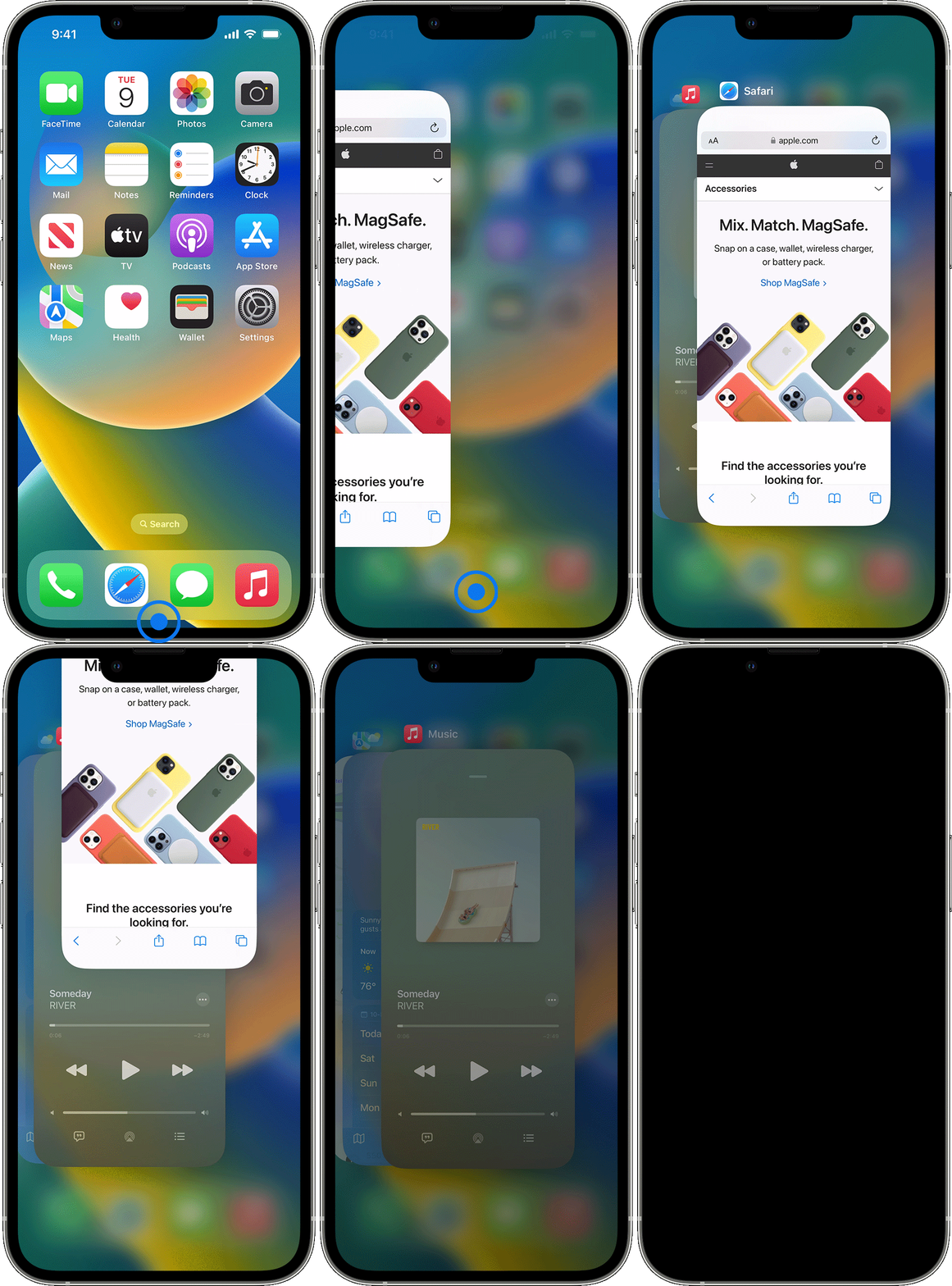
iPhone X and later
- From the Home Screen, swipe up from the bottom of the screen and pause in the middle of the screen.
- Swipe right or left to find the app that you want to close.
- Swipe up on the app's preview to close the app.
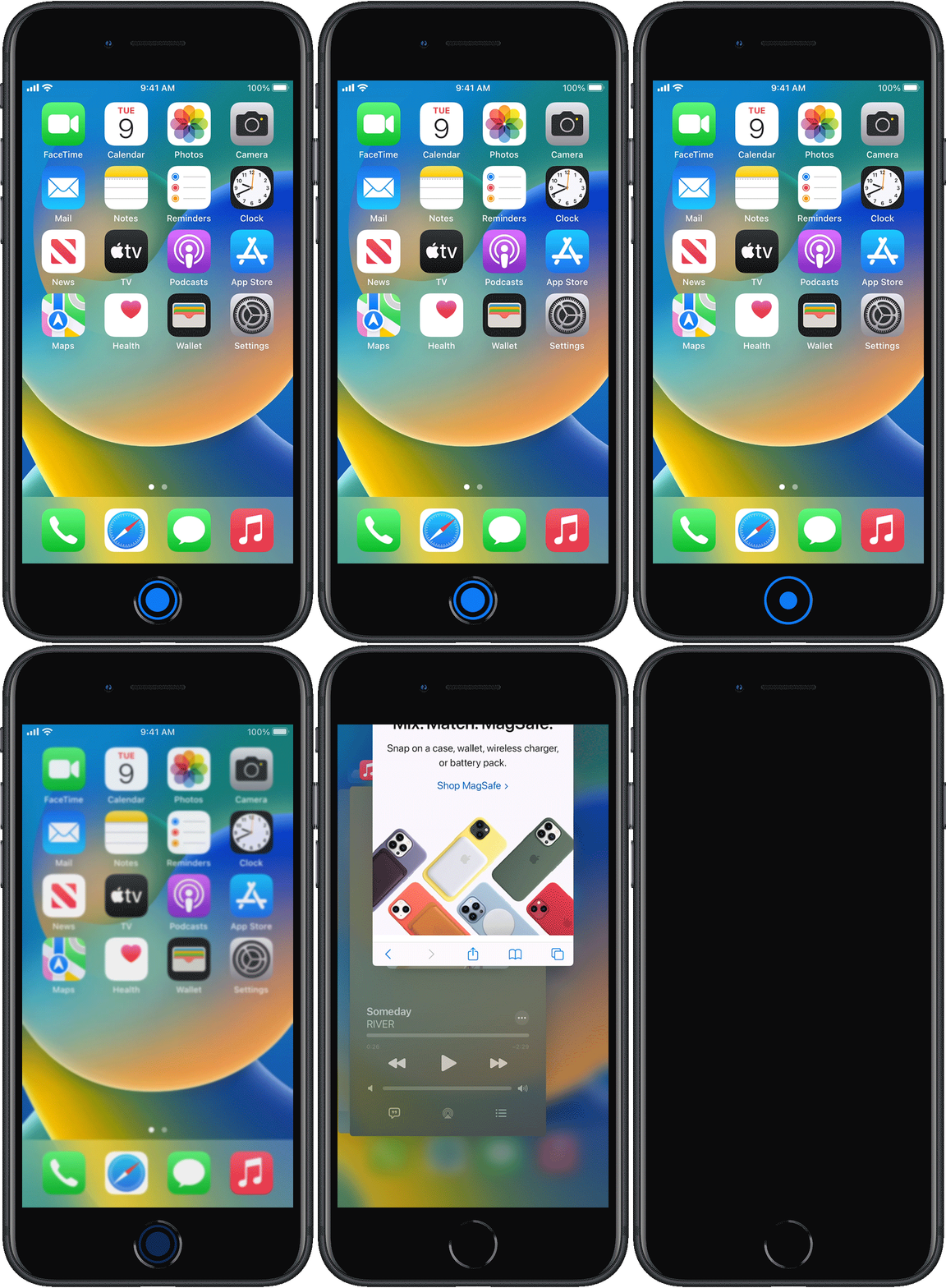
iPhone SE, iPhone 8 and earlier, and iPod touch
- Double-click the Home button to show your most recently used apps.
- Swipe right or left to find the app that you want to close.
- Swipe up on the app's preview to close the app.