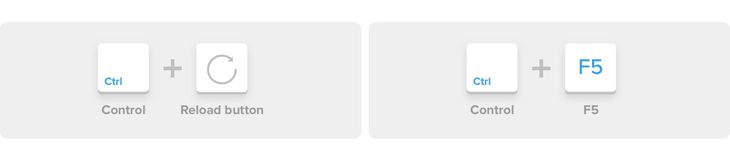
How to force/hard refresh a page in Breww without using the cache (on a computer)
Usually, when you load a page in Breww (on a desktop/laptop) some parts of the page are "remembered" by your computer from last time you loaded a page. This is done to speed up the loading of the next page and is known as "caching".
It’s rare, but there may be times when your web browser has cached something that it shouldn't or we need to force something to no longer be in your cache for some reason. You shouldn't normally need to do this when using Breww, as we have processes in place to ask your browser to do this automatically when it's needed, but if you do, you may be referred to this help guide by one of the Breww support team.
Performing a hard refresh is easy, but how to do it varies depending on which web browser and operating system you are using.
Chrome
Quick hard refresh can be done by using the following shortcut keys:
Windows/Linux
- Hold down
Ctrland click the Reload button. - Or, Hold down
Ctrland pressF5.
Mac OS
-
Hold down
⌘ Cmdand⇧ Shiftkey and then pressR. -
Or, hold
⇧ Shiftand click the Reload button.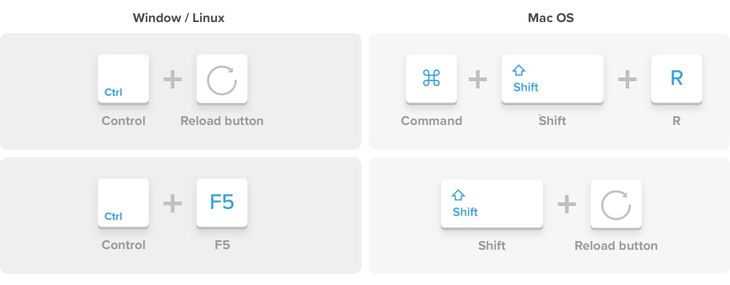

Firefox
Quick hard refresh can be done by using the following shortcut keys:
Windows/Linux
- Hold down
Ctrland⇧ Shiftand then pressR. - Or, hold the
Ctrlkey and press theF5key.
Mac OS
-
Hold down
⌘ Cmdand⇧ Shiftand then pressR. -
Or, hold down the
⇧ Shiftand click the Reload button.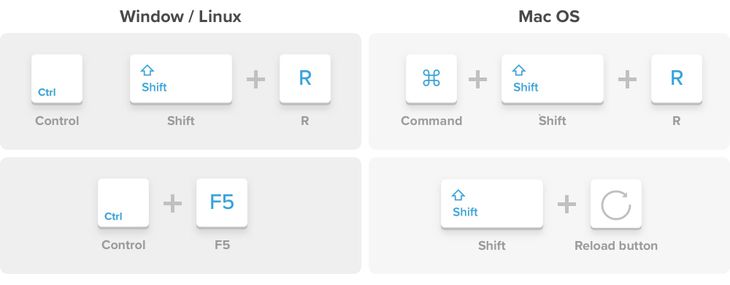

Safari
Quick hard refresh can be done by using the following shortcut keys:
-
Hold down the
Option+⌘ Cmdkey and then press theEkey.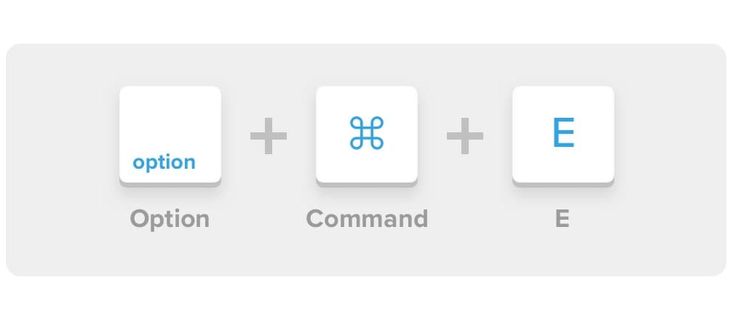

Microsoft Edge
Quick hard refresh can be done by using the following shortcut keys:
-
Hold the
Ctrlkey and click the Refresh button. -
Or, hold the
Ctrlkey and press theF5key.